How to Record Video for Cleaner AI Background Removal
By BGRemovePublished
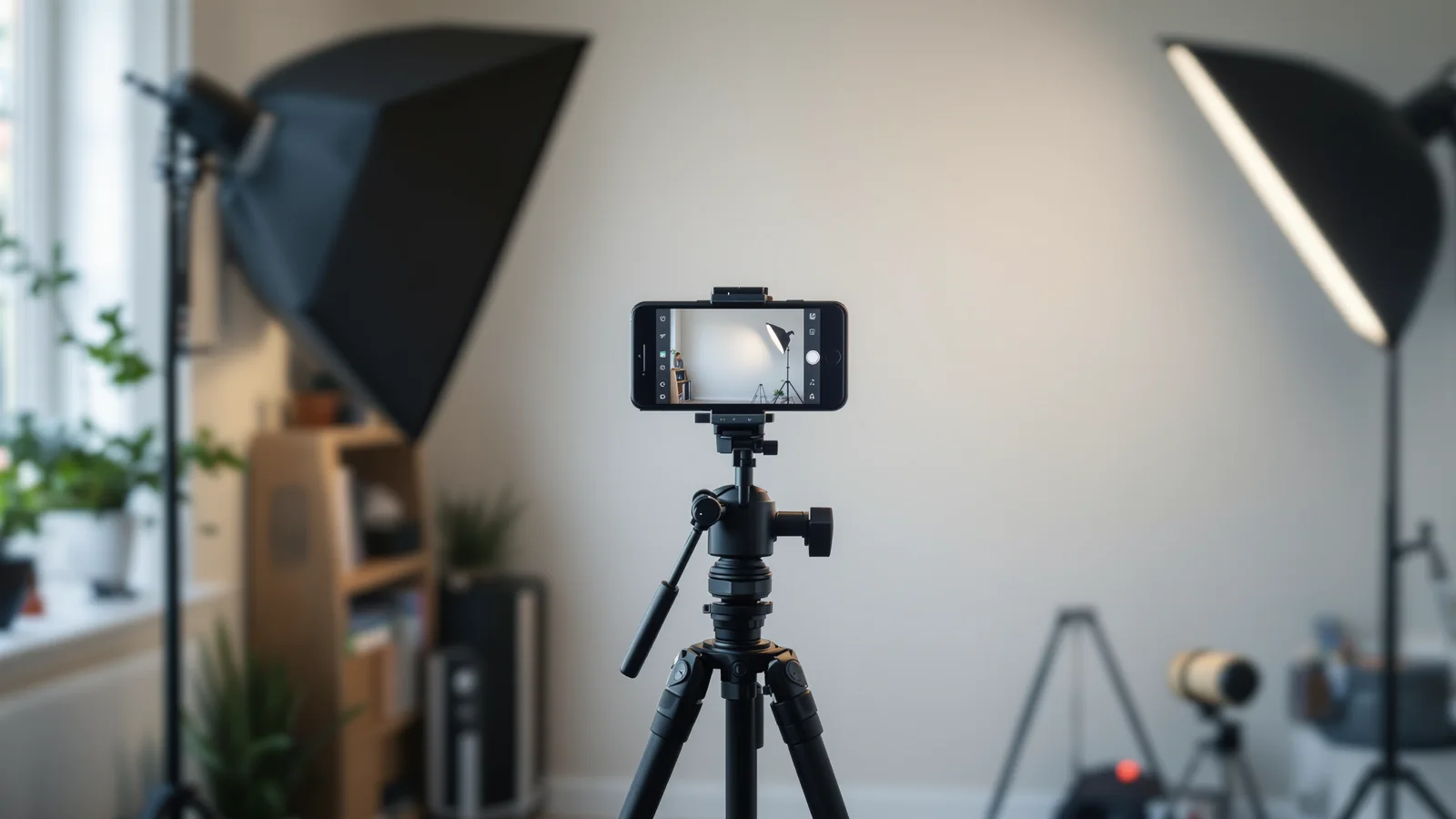
The single biggest thing you can do is separate the subject from what is behind them — in distance, in brightness, or in colour. Everything below is a version of that one idea. None of it requires a studio, and none of it involves settings inside BGRemove, because there are none to tune: the model looks for the subject, and your job is to make the subject easy to find.
Put distance between yourself and the wall
Standing a step or two forward does more for the edge than any other change. Pressed against a wall you cast a hard shadow with roughly the same outline as you, and a shadow is the one part of the background that moves exactly the way the subject does. Give yourself a metre if the room allows it. If it does not, angle a light so the shadow falls sideways and out of frame rather than directly behind you.
Depth also helps for a reason that has nothing to do with shadows: a background slightly out of focus has softer detail, and soft detail is easier to treat as background than a bookshelf rendered as sharply as your face.
Light the front of the subject, not the room
A soft light roughly in front of you, slightly above eye level, does the work. It lifts you off the background in brightness, which is a separation the model can use even when the colours are close. A window at the side counts, as long as you are facing into it rather than sitting with it behind you.
Backlighting is the case to avoid. A bright window behind you turns you into a silhouette, and a silhouette has no interior detail to distinguish from a dark room. If the window has to be there, close the curtain or add a light in front that is at least as bright.
Keep the whole subject in frame
Anything the camera cuts off cannot be recovered. If your hands leave the frame while you gesture, the cutout ends where the frame ends, and in the finished composite that reads as an amputation rather than a crop. Leave margin around where you actually move, not around where you are standing still.
The same applies to the top of your head and to props you pick up mid-shot. Film a rehearsal, watch your own hands, then widen.
Slow down the fast parts
Motion blur is the honest limit of automatic matting. A hand swung quickly across frame is genuinely blurred in the source: the pixels at its edge are a mixture of hand and room, and no amount of processing separates a mixture into its parts after the fact. The result is a soft or torn edge for those frames.
You do not have to perform stiffly. Just know that the fast gesture is where the edge will be weakest, and either keep the important gestures deliberate, or accept a softer edge in those few frames.
Do not wear the background
If your jumper is the same grey as the wall, you have removed the only cue that tells them apart. Colour contrast matters more than brightness here. Against a white wall, mid or dark clothing works; against a dark room, avoid black.
This is also the reason a green screen is useful even when you are not keying: green is a colour almost nothing in a room shares, so it separates well.
Hair and edges reward a little care
Loose hair is the classic hard case, and it is hard for a reason: individual strands are thinner than a pixel, so each of those pixels is genuinely part hair and part room. A rim of light on the hair — a lamp behind and to one side, pointed at your shoulders — gives those pixels a brightness difference to work with. Tied-back hair simply has fewer of them.
Upload the real file
Send the original recording, not a version that has been through a messaging app. Re-compression smears fine detail exactly where the edge is decided, and it is the edge you care about. Keep the clip under 60 seconds and under 2 GB, which are the limits, and start with the most difficult section rather than the easiest.
That last point matters more than it sounds. The first ten seconds of a clip are usually someone standing still. Test the part with the fast hands or the window behind you, because that is the part that decides whether the whole clip is usable.
What will still be hard
Being honest about this is more useful than a checklist that promises everything:
- Flyaway hair against a busy background, for the pixel-mixing reason above.
- Heavy motion blur, same reason.
- Glass and transparent objects — a clear bottle is partly background by definition, and the model has to guess how much.
- Reflective surfaces that show the room, because they contain the thing being removed.
- Occlusion — something passing in front of you, which means the subject’s outline changes shape for reasons the model has to infer.
None of these make a clip unusable. They mean you should look at those frames before you publish, and reach for a full editor with frame-by-frame matte control when a shot genuinely needs it.
Try it on the footage you actually shoot
The only test that tells you anything is your own material in your own room. Record thirty seconds with the changes above, run it, and look at the edges against the background you plan to use.
Remove a video background · How BGRemove works · What people use it for