

One transparent master, many finished scenes
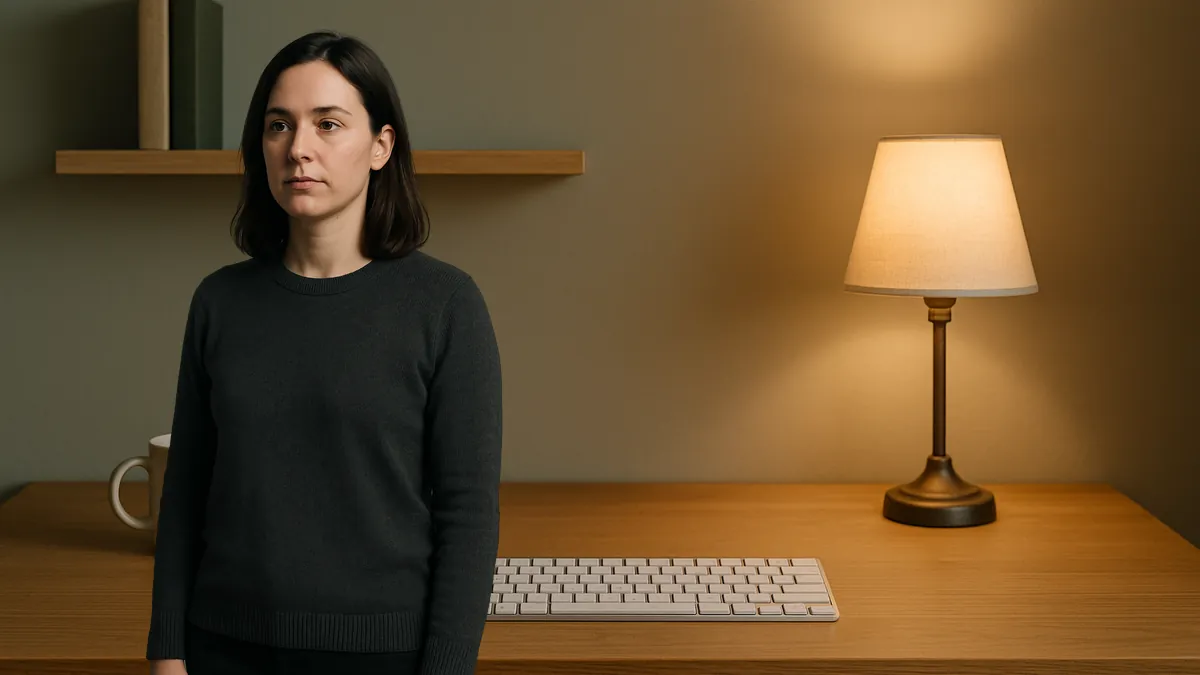
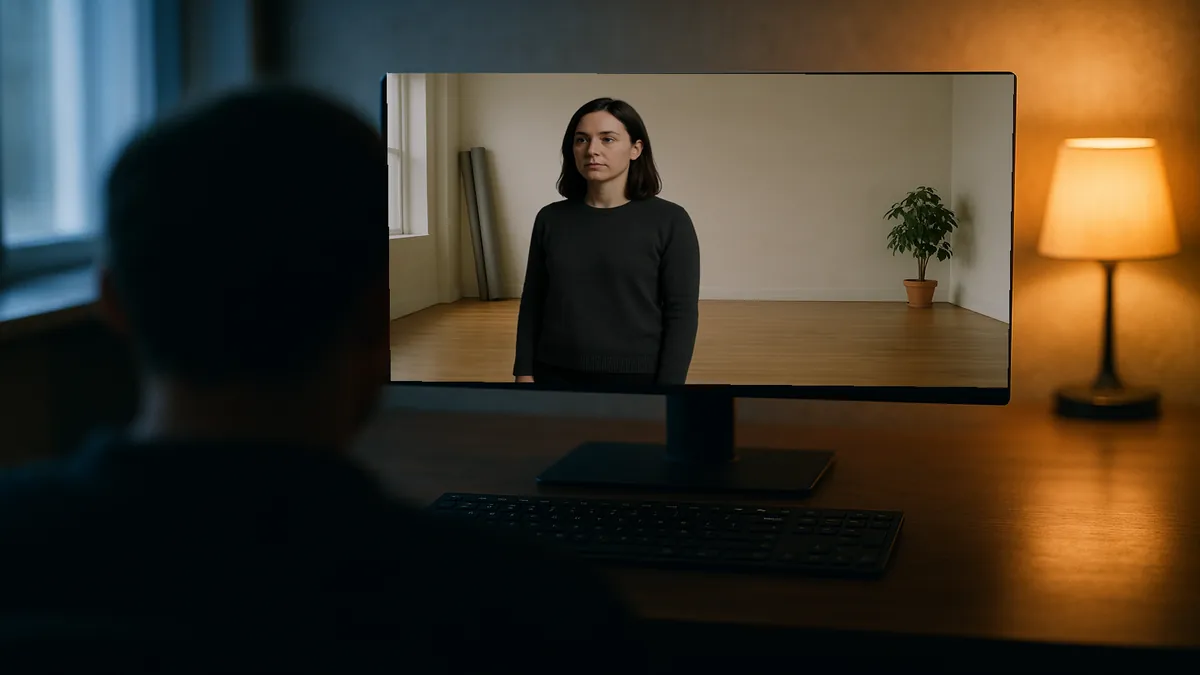
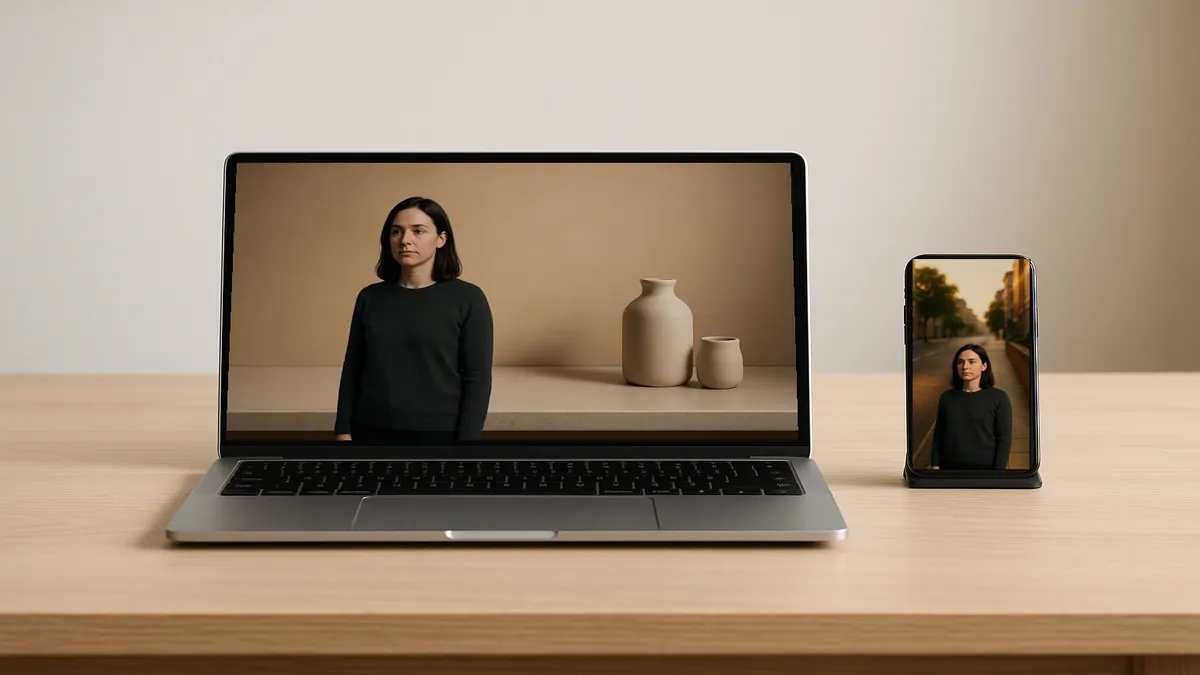
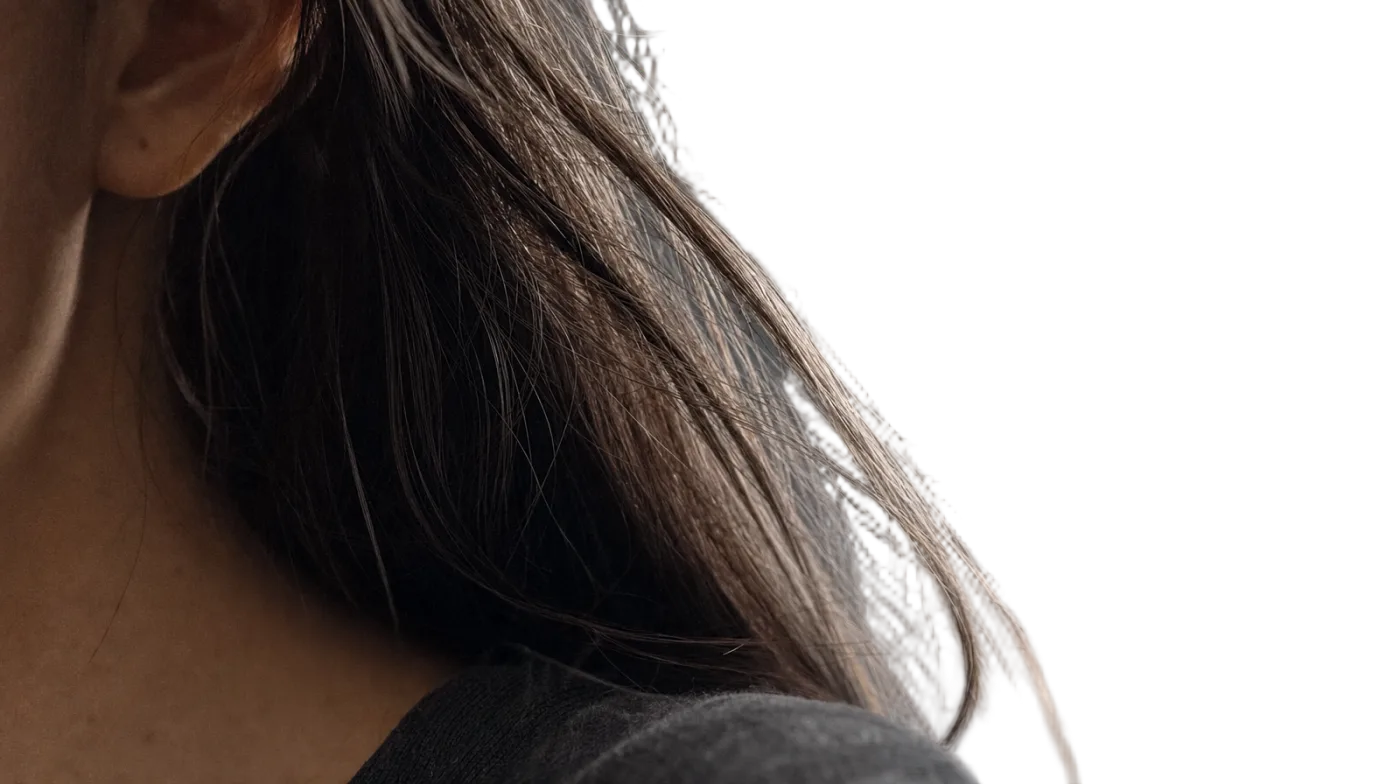
A transparent master is a video of your subject with the background removed. Think of it as a reusable top layer. You can place a color, photo, product scene, slide, or another video underneath it. The person or product stays the same while the scene changes.
This is useful when you need more than one version of a video. Start with a clean room for your website. Use the same subject over a product display for an ad. Place the subject beside a presentation screen for a tutorial. You do not need to upload the clip again or remove the background again. Open the finished clip in Change Background to add a color, blur, image, or video and export an MP4, or take the transparent file into your editor when the version needs text or a different layout.
Keeping the subject and background separate also makes small edits easier. Move the subject left to make space for a headline. Crop the scene without changing the subject. Replace a photo, update a background color, or change the text while keeping the same performance. This also helps you test different scenes before you decide which version to publish.
Save the transparent WebM as your master file. When you need a new campaign, language, or layout, start with that file instead of the original recording. A simple new scene can be added here and exported as an MP4; an editor is still what you want for text, complex layout or a different frame size. Either way the difficult step of separating the subject is already done.
See how this works for product videos, creator content, and agency projects, or compare all common workflows in the use-case overview.

Transparent master 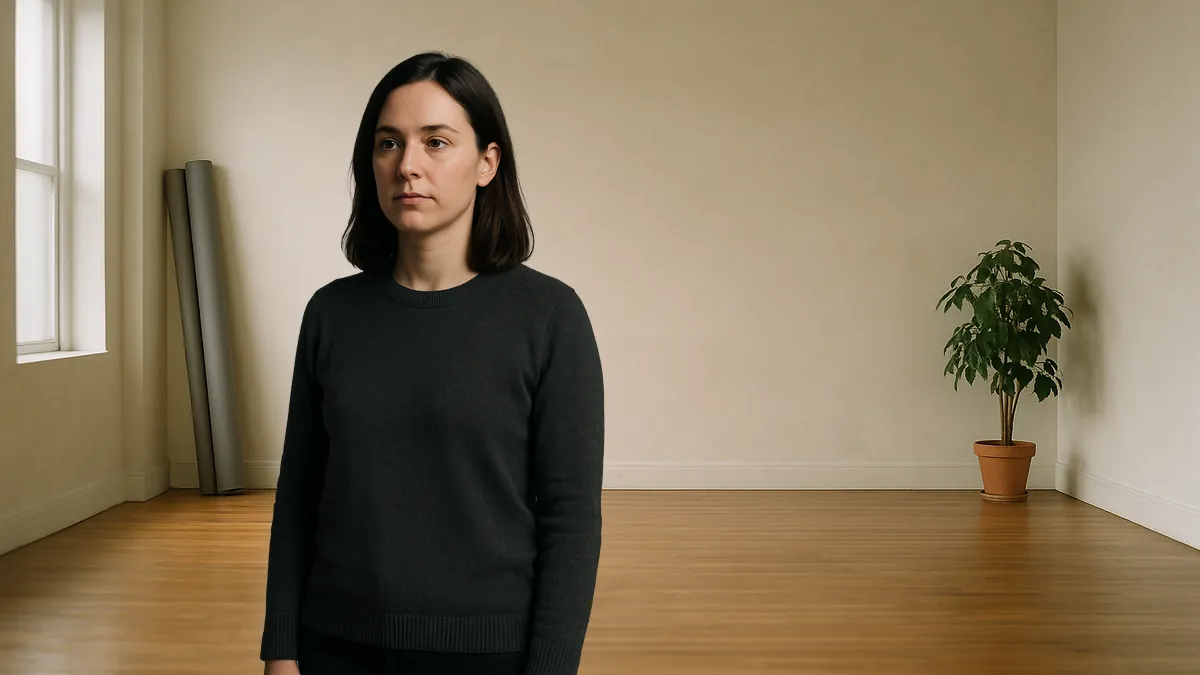
Over a photographed room 
Over a product set 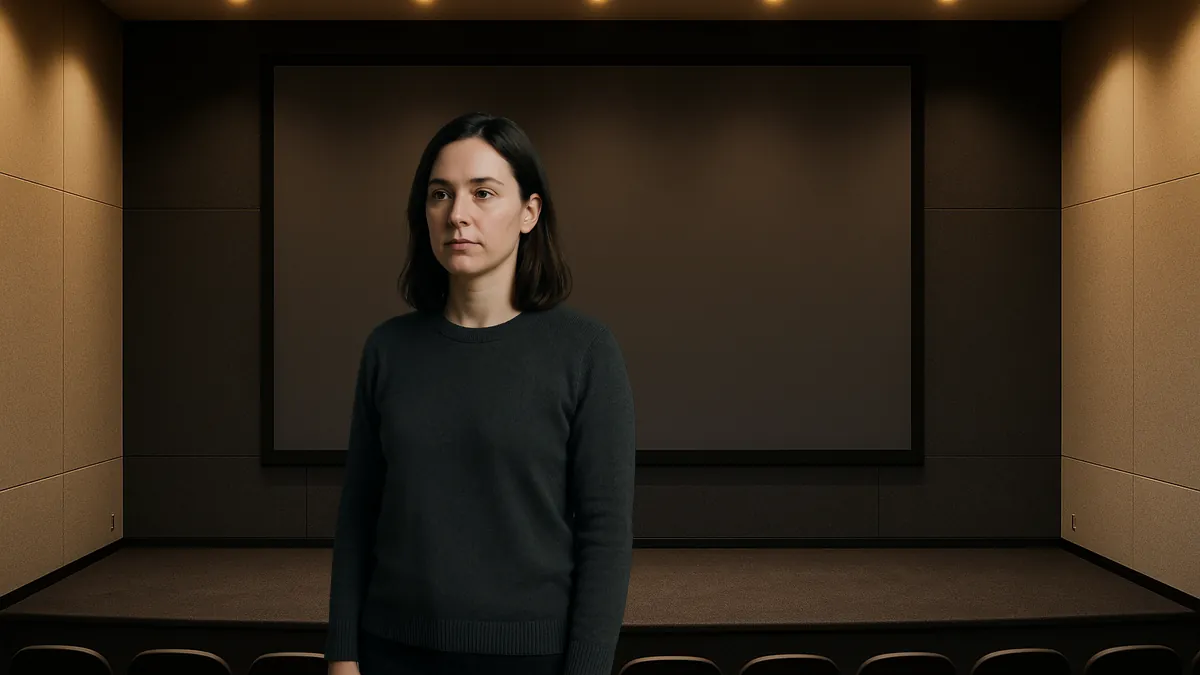
Over a presentation screen